The following document briefly details how user/developers of DEST can package it into containers
Docker
The platform of Docker is used as a service products that provides some degree of flexibility for developers to build, share, and run modern applicationsuse in packages called containers. In the following we will provide an example on how to configure and build DEST on a container, and later being able to run it inside Docker container.
Installing Docker

First, you should download Docker (links to the various Docker versions on the Docker website: https://www.docker.com and https://docs.docker.com)
Once you have downloaded and installed it on your system, you can follow the following instructions.
Enter your work directory and clone the DEST code into a folder, e.g. DEST-master
cd /data/yours
git clone https://gitlab.DEST_master
In the root folder of DEST you can find a file with the name Dockerfile which will be used by docker build command to build Docker images from a Dockerfile and a “context”.
- open a terminal at the root folder of DEST and run the following to remove all unused containers, networks, images
docker image prune -a
as shown in the following figure
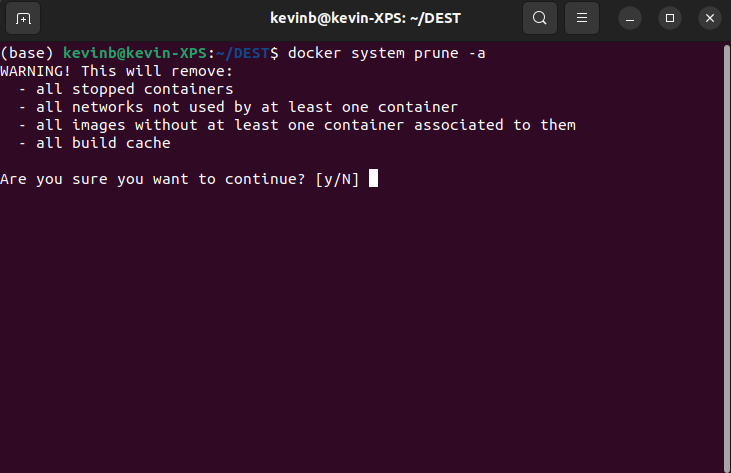
then check it with the following command
docker image ls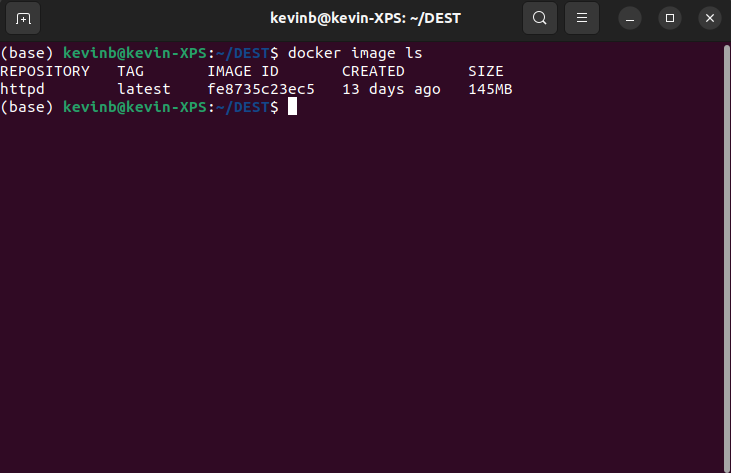
now you can run the build command
docker build .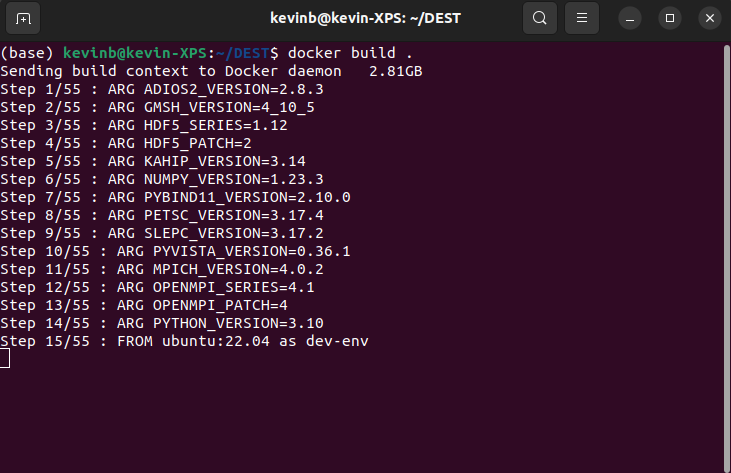
Note
For more detailed approach visit https://docs.docker.com/engine/reference/commandline/build/.
after build was processed successfully you will see the following information about the docker image
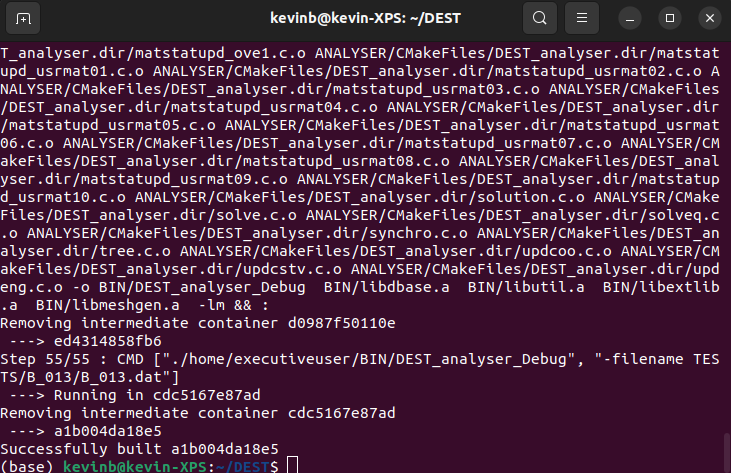
next you can run for example the following to tag the image
docker tag a1b004da18e5 dest/dest_oxford_32_run:latest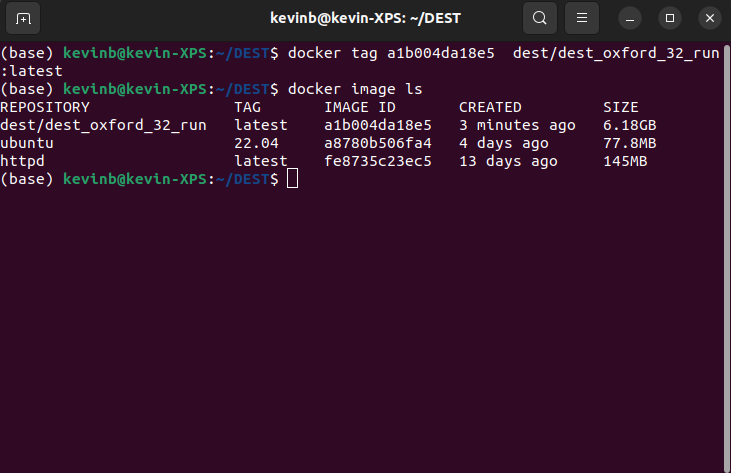
finally, for testing the executable file you can run the following
docker run --rm dest/dest_oxford_32_run:latest ./BIN/DEST_analyser_Debug -filename TESTS/B_013/B_013.dat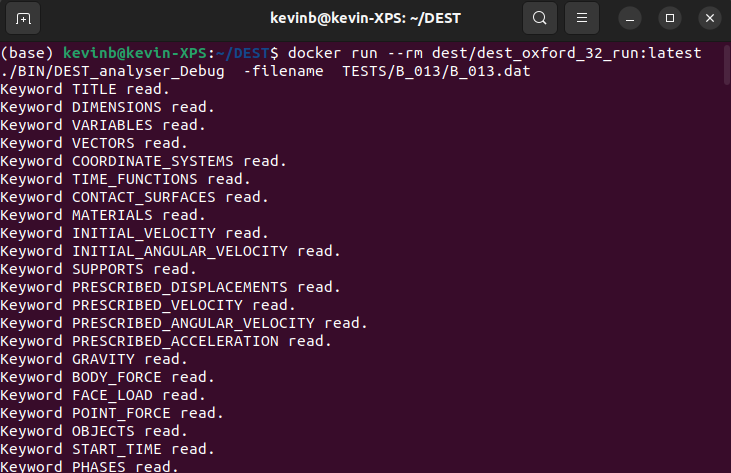
In order to copy the results from the container to the host, first create a folder on host machine (e.g. results-container-to-host) you can use the following command (with updated path!)
docker run -it dest/dest_oxford_32_run:latest  /bin/bash

scp  TESTS/B_013/*   kevinb@kevin-XPS:/home/kevinb/Desktop/results-container-to-host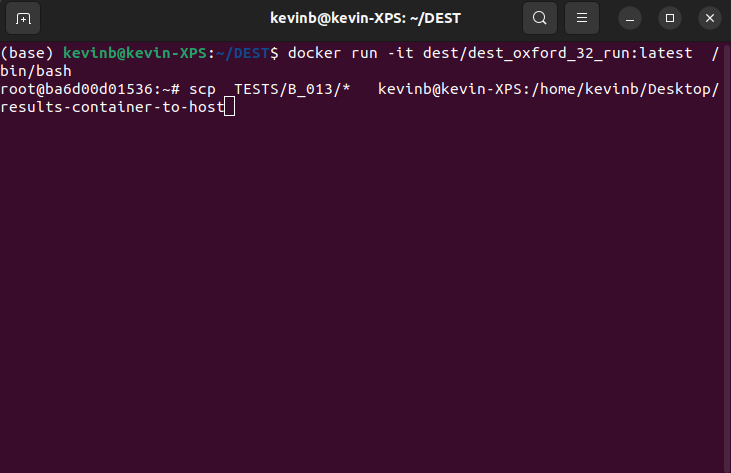
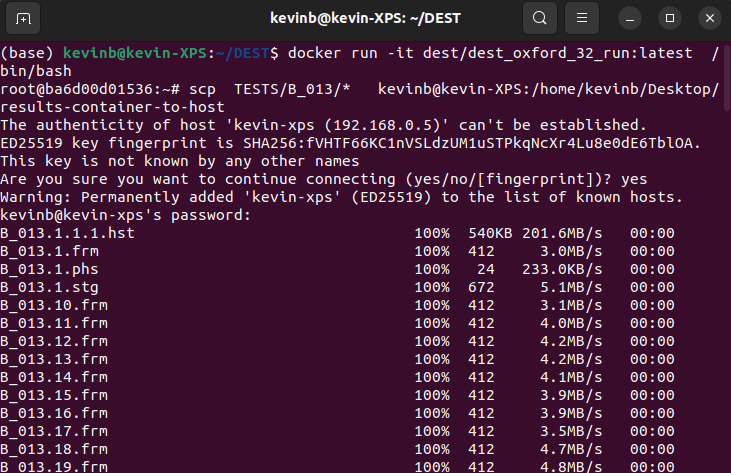
congratulations, you have now built and run DEST using Docker.
Singularity
Singularity is a free computer program. Singularity brings containers and reproducibility to scientific computing and the high-performance computing. Similar to the platform of Docker, it is used as a service products that provides some degree of flexibility for developers to build, share, and run modern applicationsuse in packages called containers. In the following we will provide an example on how to configure,build and run DEST on a Singularity container.
Installing Singularity

First, you should install Singularity on your system (links to a online guidance for running Singularity on a computer, Singularity website: https://docs.sylabs.io/guides/3.5/user-guide/quick_start.html)
Once you have installed it on your system, you can follow the following instructions. After building successfully Docker image you can use it (or use the following image) to build Singularity image
singularity build singularity_dest.sif docker://kbronik/dest_oxford_32_run:latest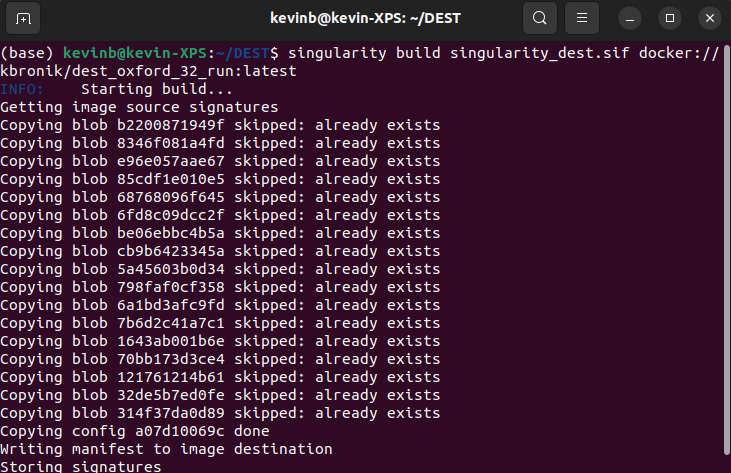
after build was processed successfully you will see the following information about the singularity image
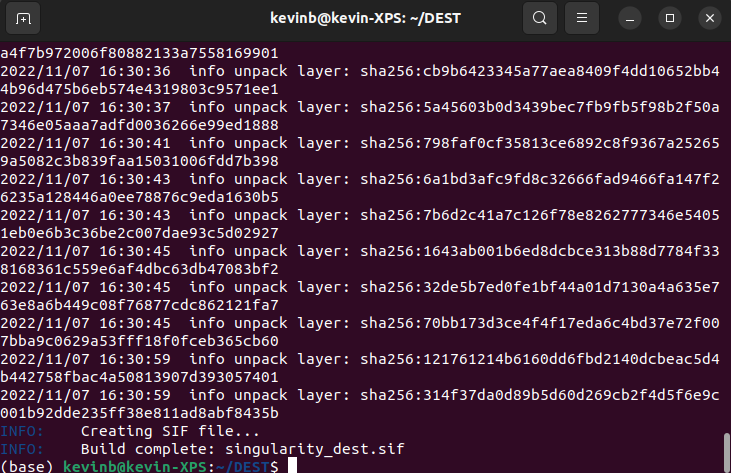
finally, for testing the executable file you can run the following (where /home/kevinb/Desktop/testing/B_013.dat is an existing folder on your local system or cluster/HPC system)
singularity exec singularity_dest.sif /home/executiveuser/BIN/DEST_analyser_Debug -filename /home/kevinb/Desktop/testing/B_013.dat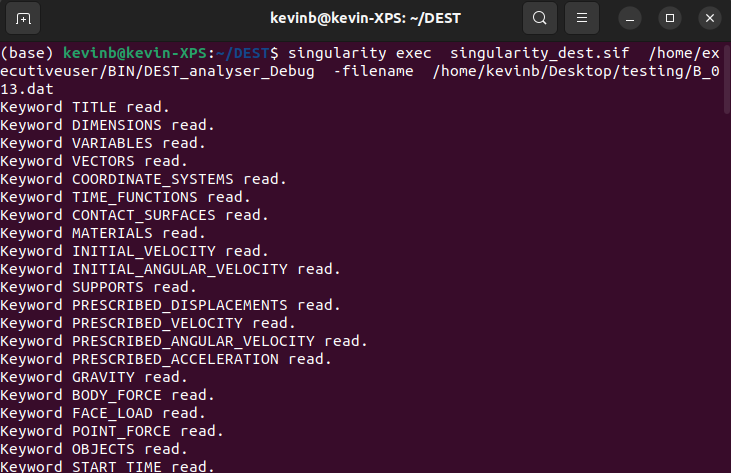
congratulations, you have now built and run DEST using Docker and Singularity.